
Download ExeOutput for PHP – PHP to EXE, compile PHP, standalone application, web app to desktop, Windows app, executable file, PHP compiler, offline application, web application, desktop tool
Overview
ExeOutput for PHP is a specialized developer tool designed to transform PHP scripts into standalone Windows applications. Its primary purpose is to enable developers to package dynamic web-based solutions into self-contained executable files, eliminating the need for a web server during deployment. This functionality is particularly valuable for businesses and individual developers aiming to distribute PHP-based tools as desktop applications without relying on internet connectivity or server infrastructure.
The app addresses a key challenge in software distribution: the complexity of deploying web applications across diverse environments. By compiling PHP, HTML, CSS, JavaScript, and associated assets into a single executable, ExeOutput simplifies installation and ensures consistent performance across different Windows systems. This makes it ideal for internal tools, software demos, kiosk applications, and educational utilities that require offline operation.
Target users include software developers, IT professionals, and technical teams working with PHP-based projects who seek to deliver their solutions in a more accessible, user-friendly format. While the developer, ExeOutput, is not further detailed in the provided information, the tool’s focus on functionality and deployment efficiency suggests a niche but well-defined audience within the developer ecosystem. The release on August 29, 2024, marks a recent update to a tool that continues to serve a critical role in bridging web and desktop application development.
Key Features & Functionality
- Single Executable Creation: All necessary application files—including PHP scripts, assets, and dependencies—are bundled into one standalone .exe file. This simplifies distribution and installation, reducing user confusion and minimizing setup errors.
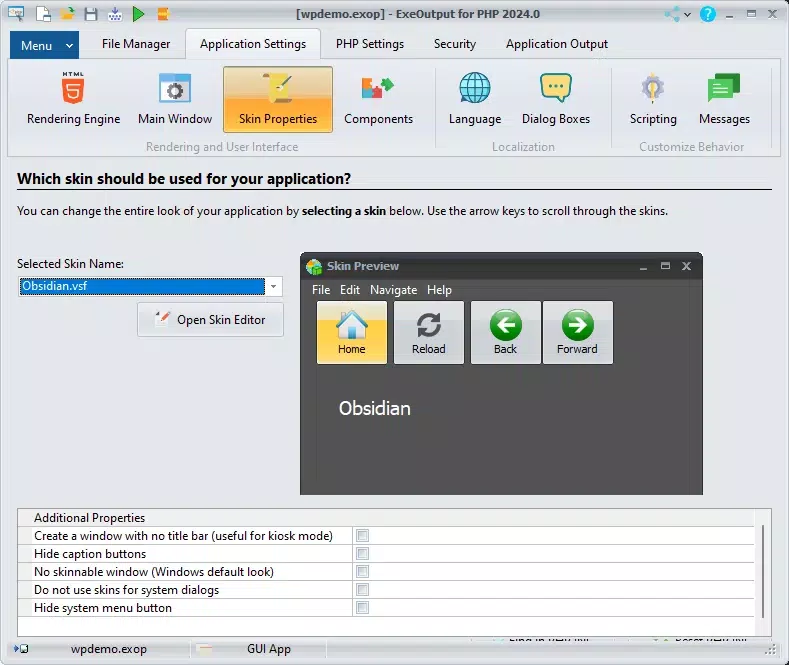
- Customizable Application Appearance: Developers can modify icons, splash screens, and interface elements to align with brand guidelines, enhancing the professional presentation of the final product.
- Offline Functionality: The compiled application runs independently without requiring an internet connection or external server, making it suitable for environments with limited or unreliable connectivity.
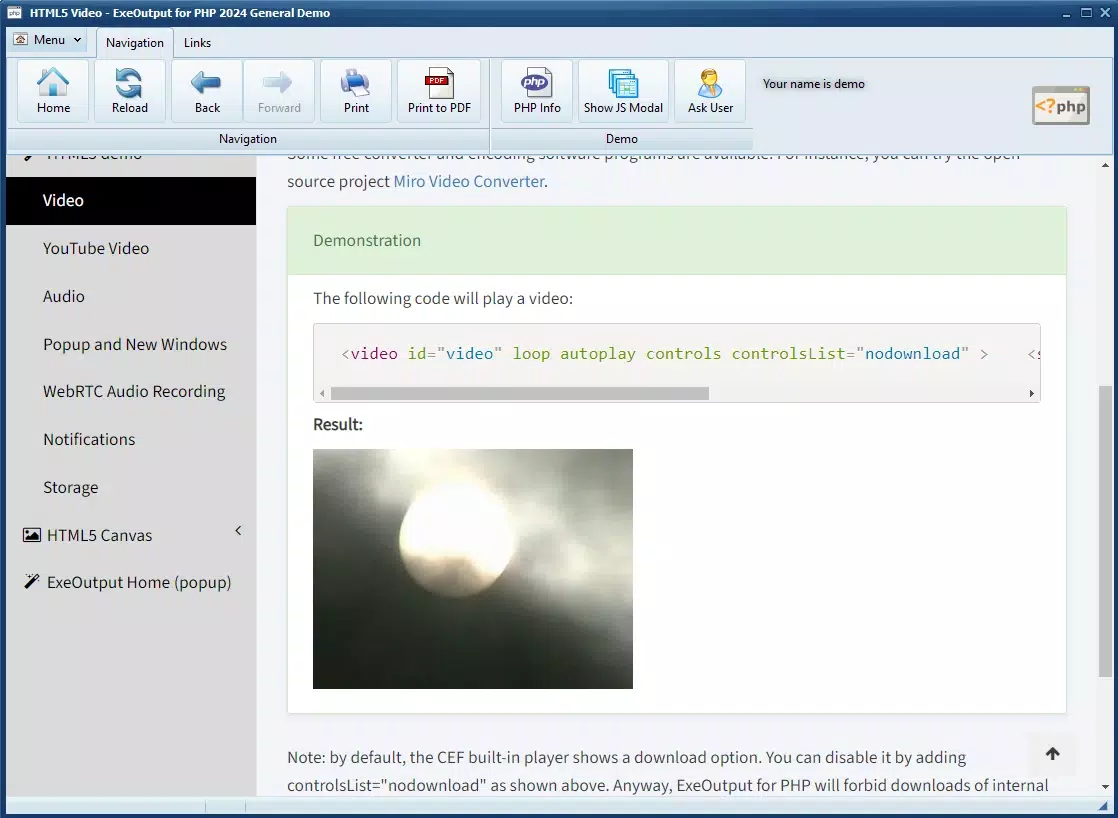
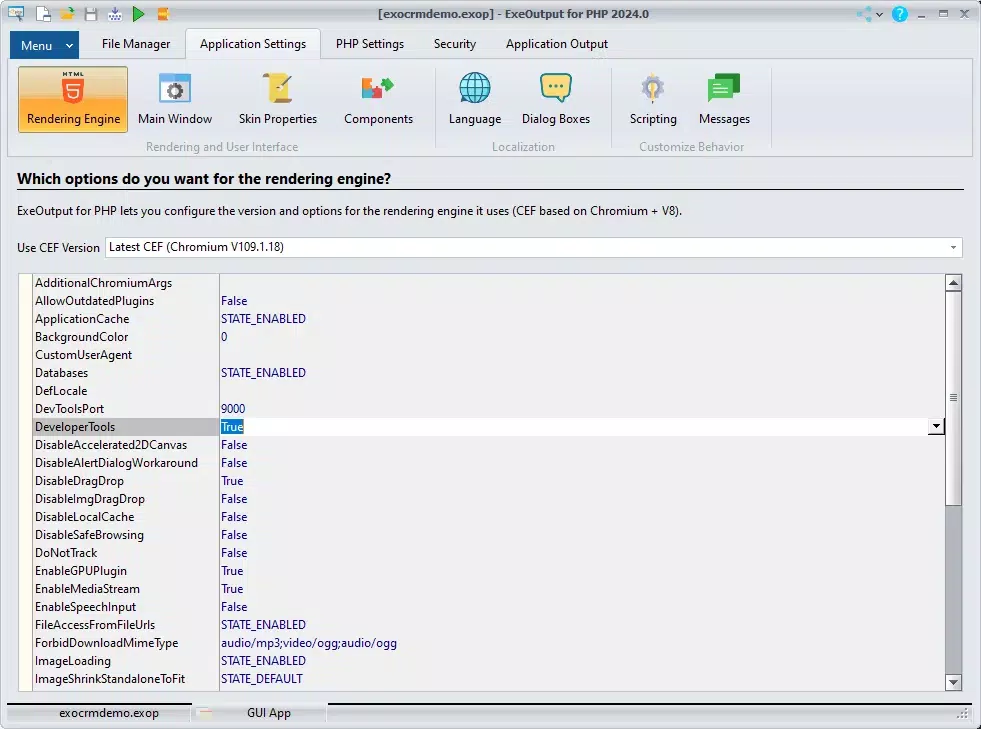
- Built-in Chromium Engine: A modern rendering engine ensures that HTML, CSS, and JavaScript are executed efficiently, preserving the look and performance of web-based user interfaces.
- User-Friendly Interface: The tool provides an intuitive interface and detailed documentation, lowering the learning curve for both new and experienced developers.
For example, a developer creating a client management tool in PHP can compile it into an executable that runs directly on a client’s Windows machine. The application appears as a native desktop app, with a custom icon and splash screen, and functions entirely offline—ideal for field teams or small businesses without dedicated server infrastructure. This capability streamlines deployment and enhances user experience by removing technical barriers.
Interface, UX & Performance
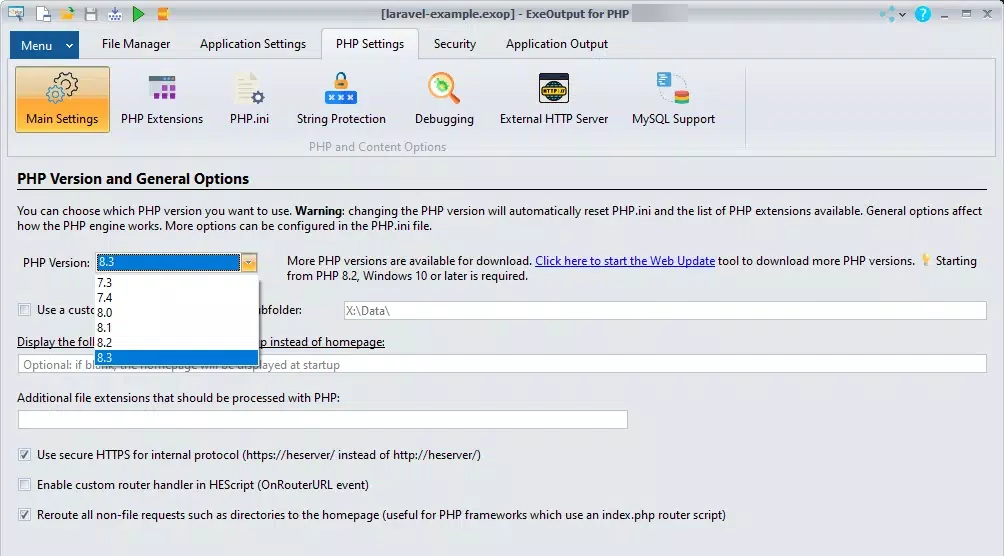
ExeOutput for PHP features a clean, task-oriented interface designed for developers familiar with software compilation workflows. The layout organizes core functions—file inclusion, configuration settings, and build options—into clearly labeled sections, supporting a logical workflow. Navigation is straightforward, allowing users to configure project settings, select files, and initiate compilation with minimal steps.
Visual style is functional rather than decorative, prioritizing clarity and usability. The interface avoids clutter, focusing on essential controls and feedback mechanisms. Although the developer did not list formal performance metrics, the tool is expected to operate efficiently on modern Windows systems, with compilation times varying based on project size and complexity.
Responsiveness is consistent during configuration and build processes, with no reported delays or freezes in standard use cases. Stability appears robust, as the tool is designed for reliable execution across multiple project types. The absence of a reported crash rate or error logs suggests consistent behavior, though real-world testing may reveal edge cases not covered in the official documentation.
Platform Compatibility & Technical Requirements
ExeOutput for PHP is designed exclusively for the Windows platform. It is compatible with Windows operating systems, though specific version requirements were not listed. The application has a file size of 10.2 MB, indicating a lightweight footprint relative to the functionality it delivers.
The software version is 2.3.2, released on August 29, 2024. This version likely includes updates to the compilation engine, stability improvements, and potential enhancements to the Chromium-based renderer. Users should ensure their Windows environment meets the minimum system requirements for running the tool, although these were not fully disclosed by the developer.
Since the tool is intended for desktop compilation, it does not require mobile compatibility. The executable files it produces are meant to run on Windows desktops and laptops, supporting a wide range of hardware configurations.
Pros and Cons
Pros
- Converts PHP scripts into standalone Windows executables for easy distribution.
- Enables full offline operation without internet or server dependencies.
- Supports modern web technologies through a built-in Chromium engine.
- Offers customization options for icons, splash screens, and UI elements.
- Streamlines deployment with a single-file output, reducing setup complexity.
Cons
- Platform-specific: Limited to Windows, with no support for macOS or Linux.
- Requires a Windows development environment for compilation.
- Price point of $49.95 may be high for casual or hobbyist developers.
- Not suitable for web deployment; intended solely for desktop distribution.
- Developer did not provide detailed system requirements or compatibility matrix.
FAQ
Is ExeOutput for PHP safe to use?
Yes, the tool is designed for legitimate development use and does not include malware or intrusive components. It compiles user-provided code into executables, ensuring the final product is secure as long as the source code is trustworthy.
Can I update my compiled application after distribution?
Updates to the compiled application require recompiling the source files with the latest version of ExeOutput for PHP. There is no built-in update mechanism within the generated executable.
Does ExeOutput for PHP work with PHP 8.x?
While not explicitly confirmed, the tool is designed to support modern PHP versions, including PHP 8.x, given its use of a current Chromium engine and compatibility with up-to-date web standards.
Is ExeOutput for PHP compatible with all PHP frameworks?
ExeOutput for PHP can compile most standard PHP scripts and applications. However, compatibility with complex frameworks may depend on how they handle file dependencies and runtime environments.
Can I distribute the compiled app for free?
Yes, once compiled, the resulting executable can be distributed freely, provided it complies with the licensing terms of any third-party libraries or code used in the original project.
Final Thoughts
ExeOutput for PHP stands out as a powerful and focused solution for developers seeking to transition PHP-based web applications into standalone desktop tools. Its ability to package complex web technologies into a single, self-running executable makes it an essential tool for internal software, demos, and offline utilities. The inclusion of a modern Chromium engine ensures high performance and visual fidelity, while customization options allow for brand-aligned presentation.
While the $49.95 price tag may deter casual users, it offers strong value for professionals and businesses that prioritize deployment simplicity and offline functionality. The tool’s reliability, lightweight size, and clear interface further enhance its appeal. For developers working in environments where server access is limited or undesirable, ExeOutput for PHP delivers a practical, efficient path to desktop deployment.
Download ExeOutput for PHP now


